AI assistant for Android

Your everyday AI, a tap away.

Hold the power button and sparky opens on top of whatever you are doing. Ask, circle something on screen, and get answers with sources you can check.

Android only. No ads, no trackers on this site.
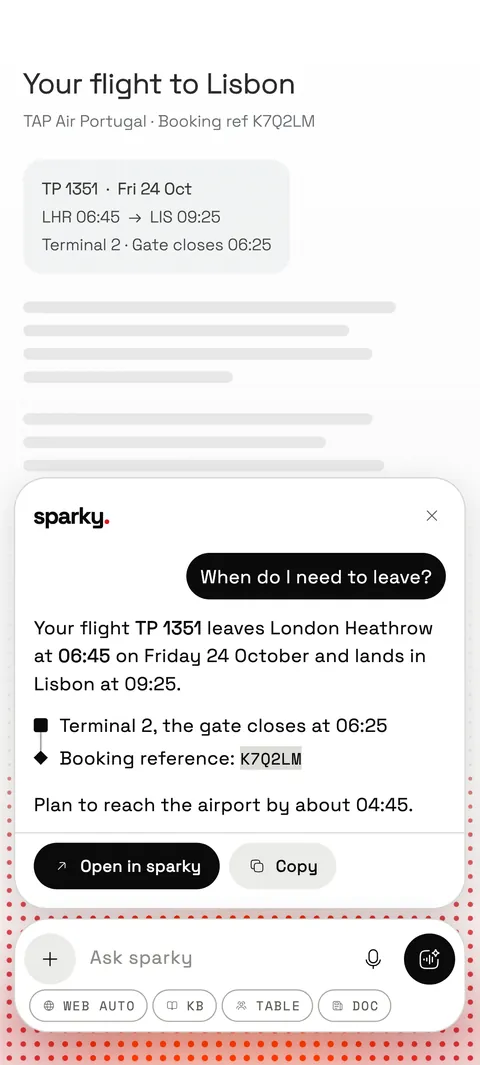
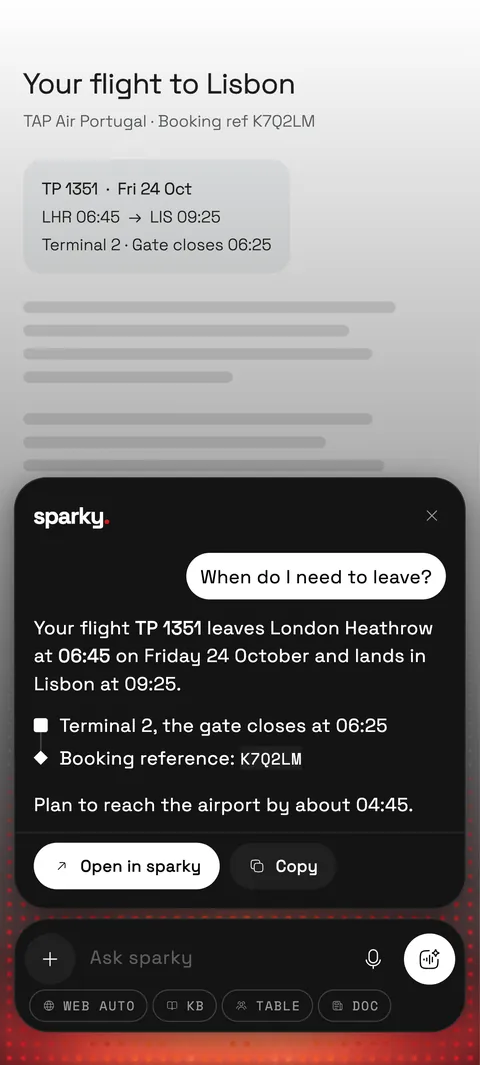
sparky open on top of a flight booking, answering that the flight leaves at 06:45 and the gate closes at 06:25. sparky open on top of a flight booking, answering that the flight leaves at 06:45 and the gate closes at 06:25.

On your power button

Ask without leaving the app you're in.

Make sparky your phone's assistant and it is one hold away, over any app. Reading a booking, a menu, a message? Ask about what is on screen.
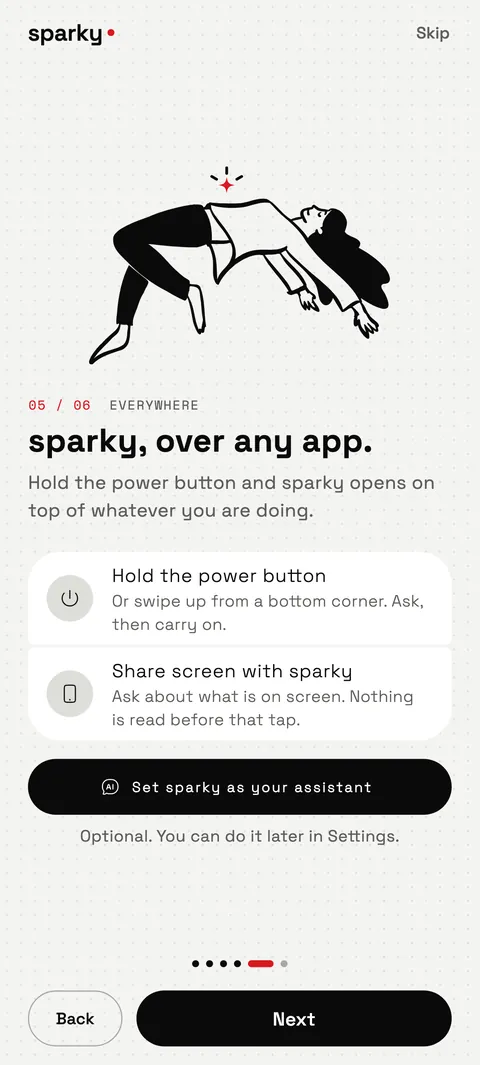
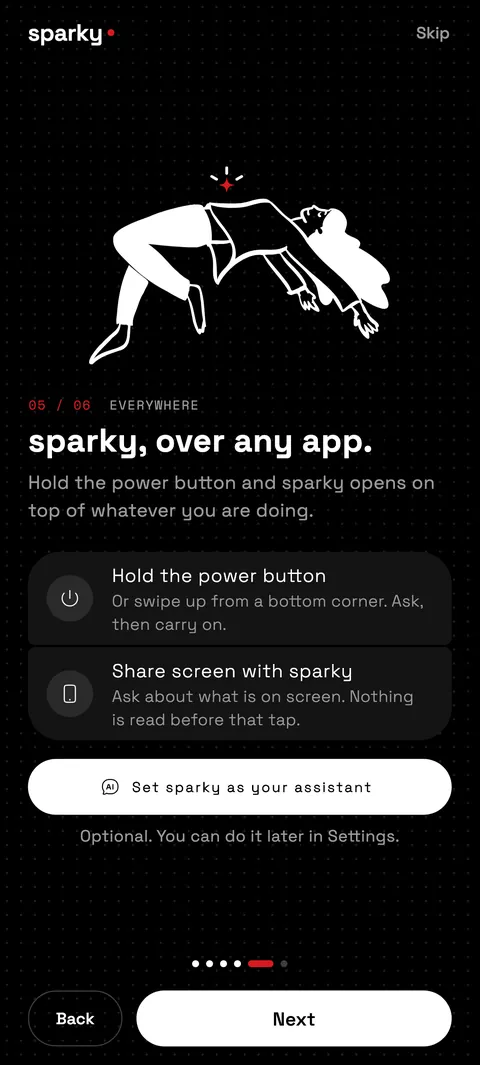
  • Hold the power buttonOr swipe up from a bottom corner. sparky opens on top of what you are doing.
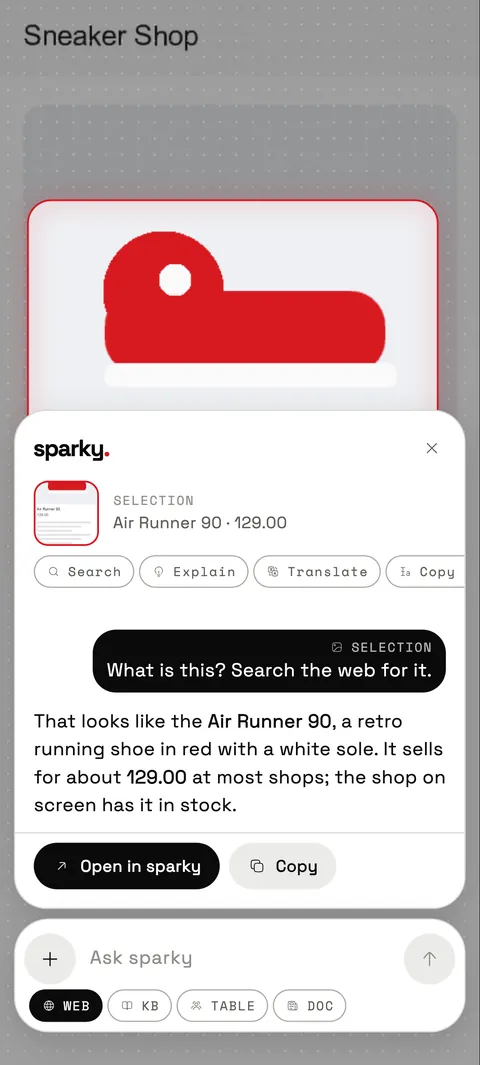
  • Circle to searchDraw around anything on screen and ask about just that. Answers stick to what you circled.
  • Carry it on in the appOne tap to open the same conversation in sparky, or copy the answer.
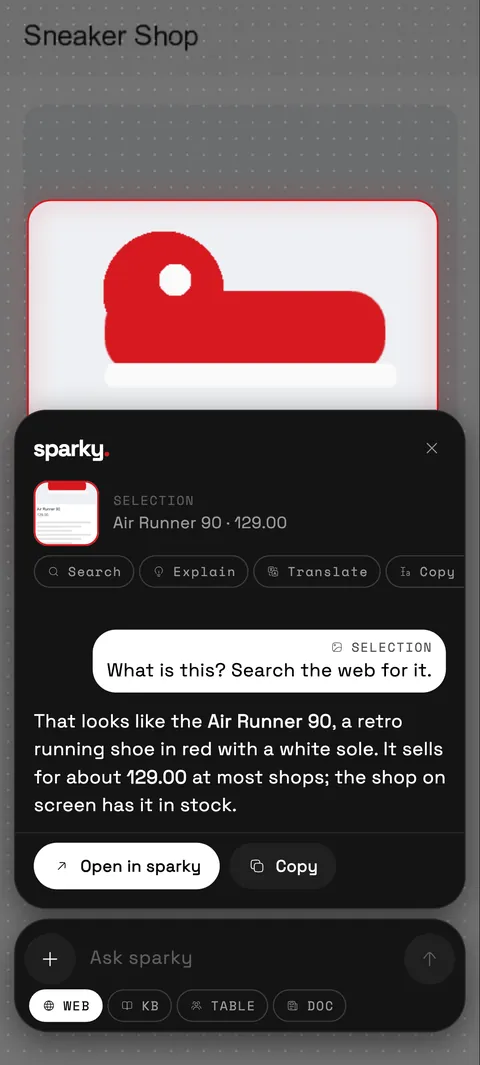
The sparky setup screen: hold the power button and sparky opens on top of whatever you are doing. The sparky setup screen: hold the power button and sparky opens on top of whatever you are doing.
A shoe circled on screen, and sparky identifying it as a red retro running shoe with its price. A shoe circled on screen, and sparky identifying it as a red retro running shoe with its price.

Answers you can trust

It shows its sources, and admits when it doesn't know.

Web search with citations

Answers are grounded in the web, with sentence-level citations. Tap a source to see where a claim came from.

Checks before it claims

Factual questions search the web first, so sparky doesn't answer from memory when it could look it up.

An honest "I don't know"

When sparky can't tell, it says so instead of guessing. The same goes for a blank capture or a video it can't read.

Bring your stuff

Ask about the things you already have.

Save notes and documents for sparky to search, attach files to a chat, or link the apps you use and ask about them in plain words.


  • Knowledge baseKeep notes and documents close. sparky searches them when you ask.
  • Files, previewedImages, PDFs, code, tables, notes and videos open right in sparky. Ask about any file in one tap.
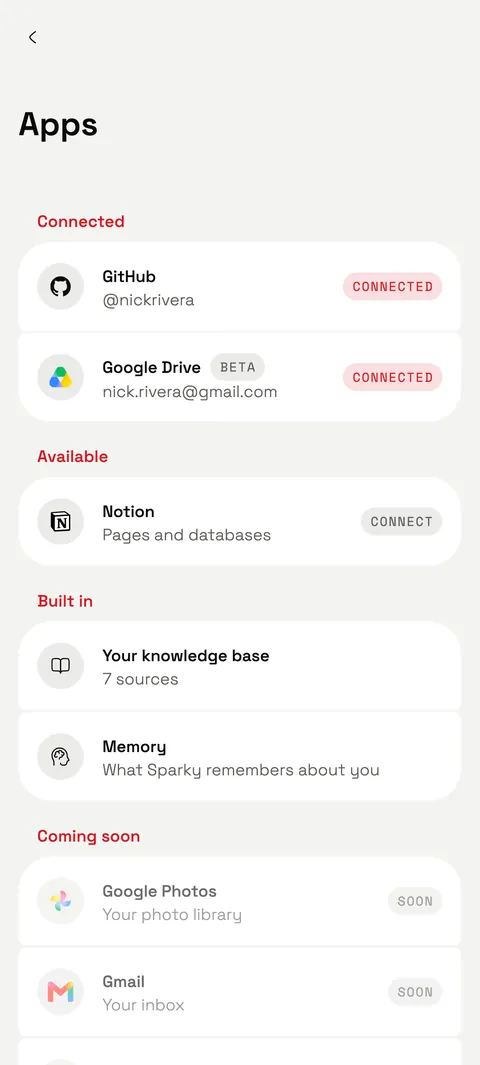
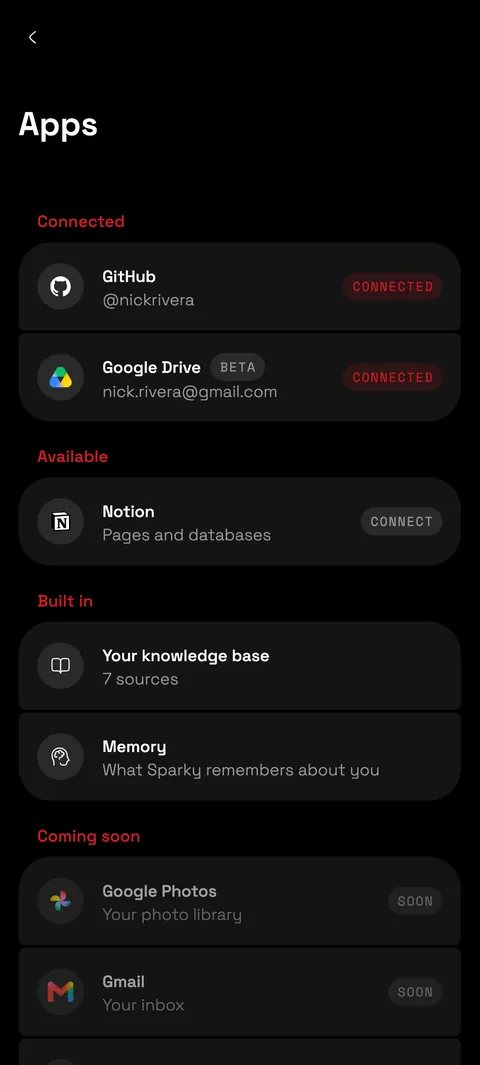
  • Google Drive, Notion, GitHubConnect only what you want. With Notion you choose which pages to share, and you can disconnect any time.
Illustration of a person lying on their side, reading. Illustration of a person lying on their side, reading.
The Apps screen of sparky listing GitHub and Google Drive as connected and Notion as available. The Apps screen of sparky listing GitHub and Google Drive as connected and Notion as available.

Cards that do things

Answers you can tap.

Ask for songs and get a playlist. Ask the way to the airport and get directions. sparky turns the answer into something you can act on.
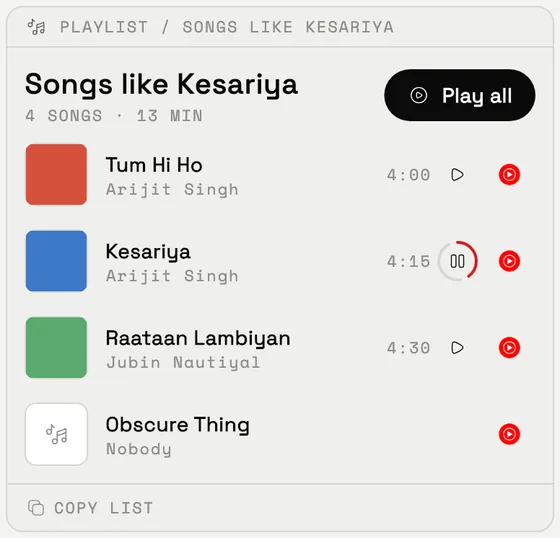
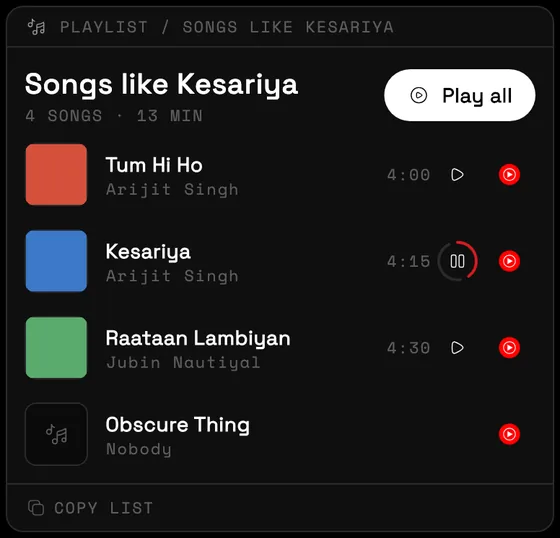
  • PlaylistsSong suggestions arrive with covers and 30-second previews. Open one in your music app, or play them all.
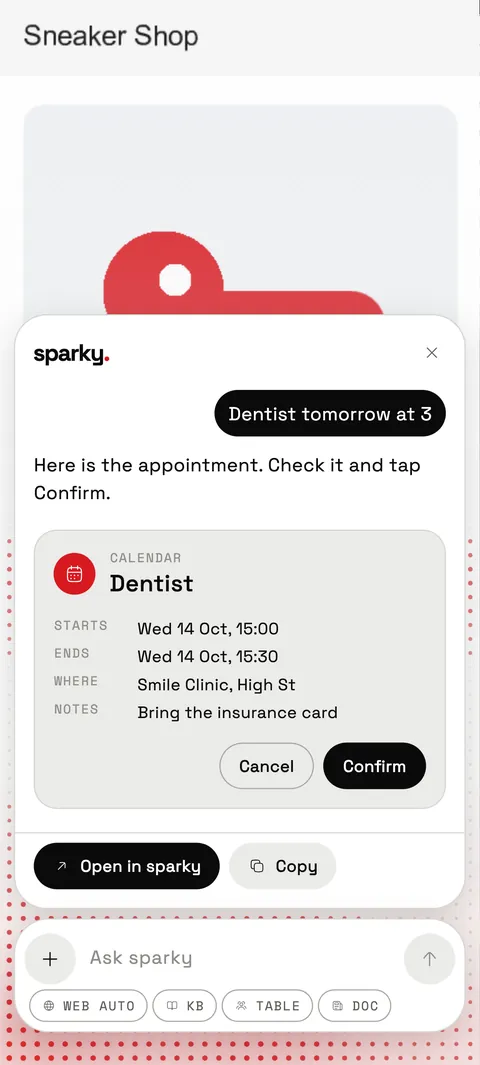
  • Directions and moreDirections, calendar events, alarms, timers, calls, rides, food and travel searches, ready in one tap.
  • UPI, prefilledAsk to pay someone and sparky opens your UPI app with the details filled in. You confirm and pay there.
A sparky playlist card titled Songs like Kesariya, with four songs, covers, preview buttons and a Play all button. A sparky playlist card titled Songs like Kesariya, with four songs, covers, preview buttons and a Play all button.
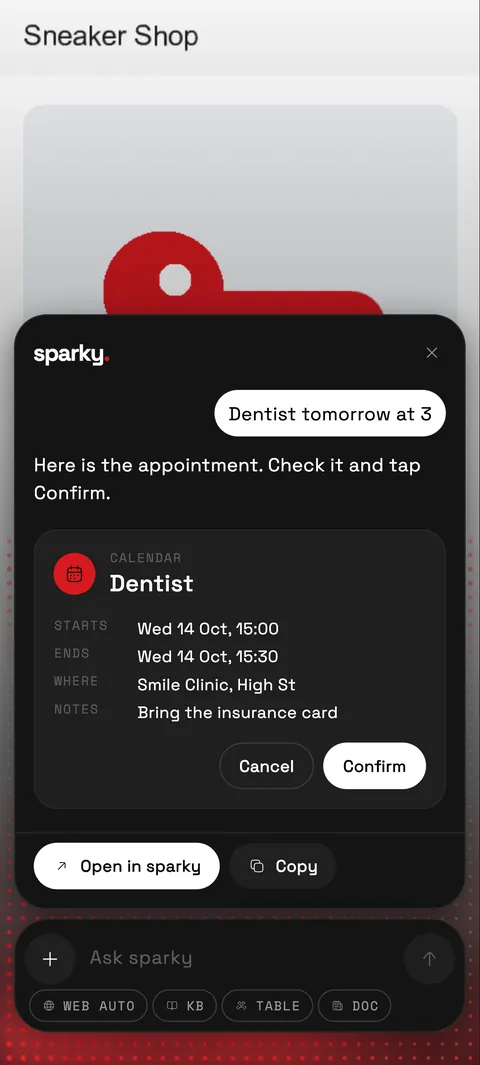
A calendar card in sparky for a dentist appointment tomorrow at 3, with Cancel and Confirm buttons. A calendar card in sparky for a dentist appointment tomorrow at 3, with Cancel and Confirm buttons.

Many models, one app

The right AI for each question.

sparky picks a model for you and shows which one wrote every answer. Prefer your own account? Bring your own keys.
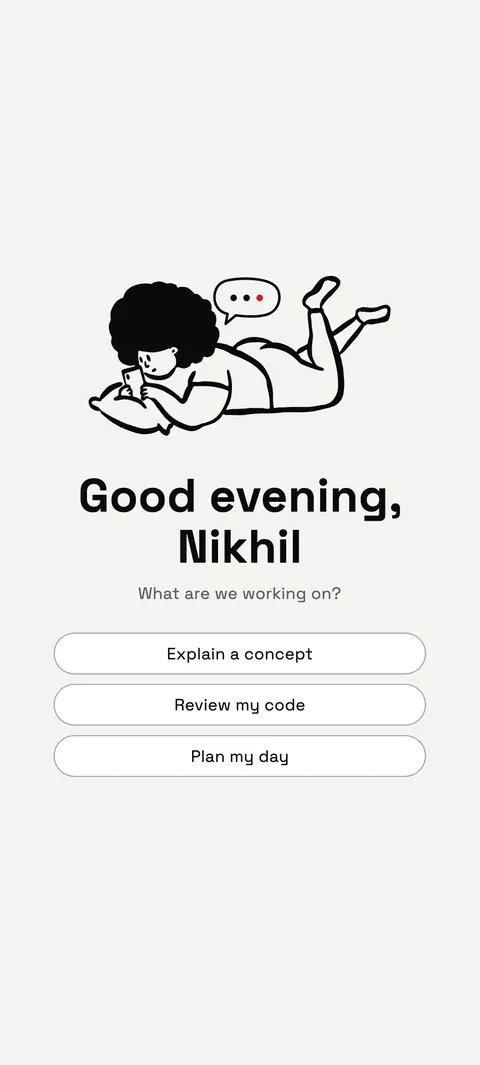
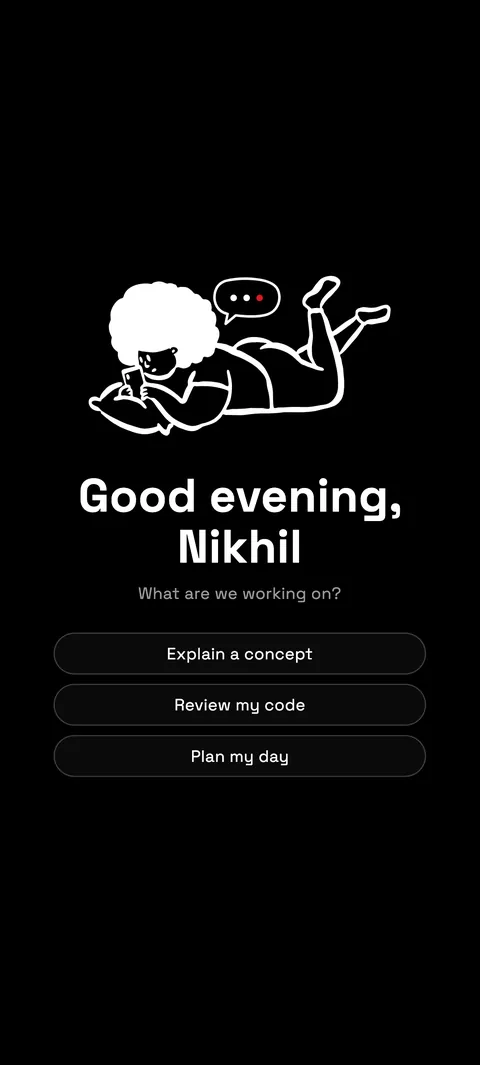
  • Automatic routingQuestions are routed across free cloud models. No picker to fiddle with unless you want one.
  • Bring your own keysAdd a key from Groq, OpenRouter, NVIDIA or Ollama and your chats run on it. See your own usage, visible only to you.

Private by design

Your chats are yours.

We don't sell your data, don't use it for advertising, and don't use your content to train AI models.

Encrypted for you

Your chats, memories, notes and files are encrypted at rest on our servers with a key of their own for each user.

No ads

No advertising and no trackers. Crash reports are optional, never include your chats, and you can turn them off.

Roughly local, no permission

Weather and nearby answers fit your city without the Android location permission. Switch it off, or set your own city.

You control it

See, edit or switch off what sparky remembers. Delete a chat, a file, or your whole account in the app.

To write answers, your messages are sent to third-party model providers. Read the full privacy policy.

Updates built in

No hunting for new versions.

New versions download inside sparky and install in a tap. A dropped connection no longer restarts the download from zero, and there is a Wi-Fi only option to save your data. sparky asks once per version, at a quiet moment.
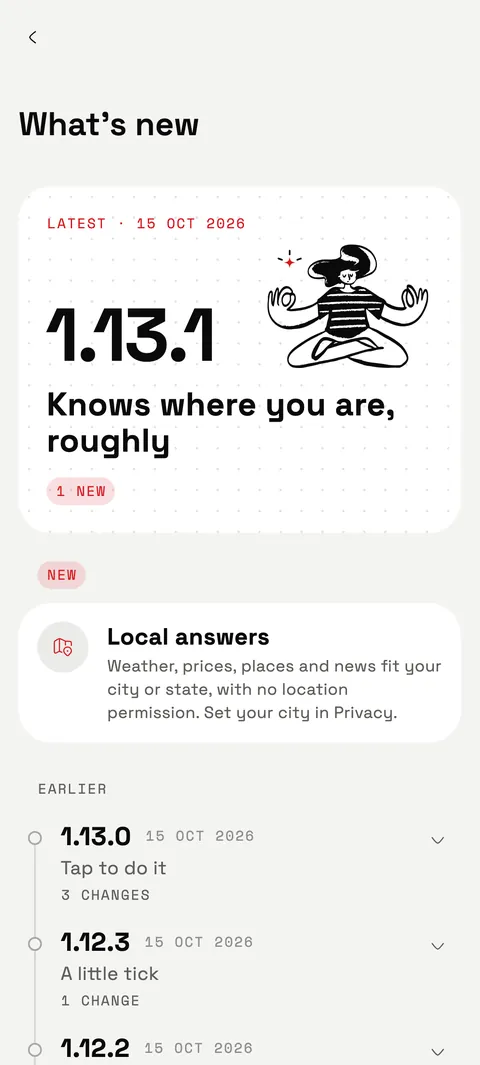
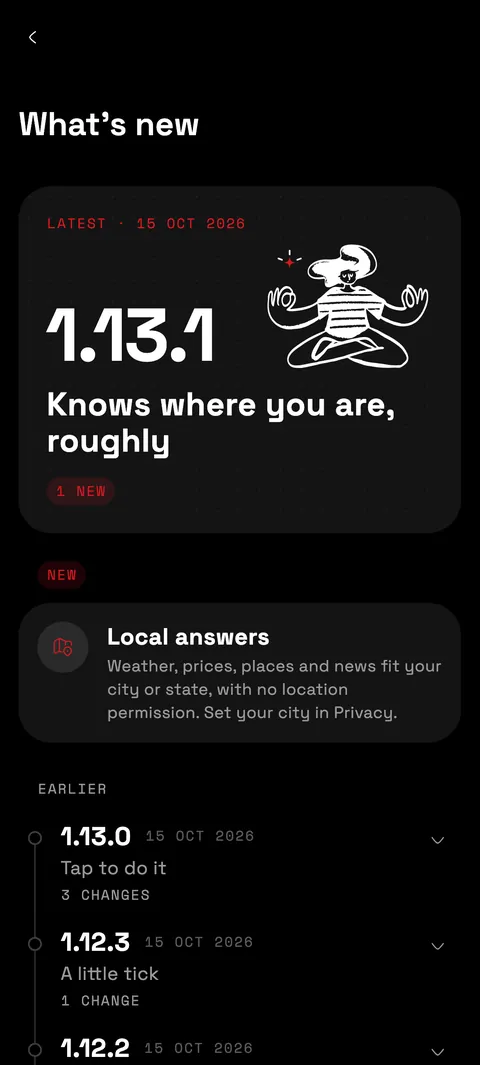
The What's new screen of sparky, showing version 1.13.1, Knows where you are, roughly. The What's new screen of sparky, showing version 1.13.1, Knows where you are, roughly.

What's new

The latest from sparky.

Latest15 Oct 2026
1.13.1

Knows where you are, roughly

  • NEWLocal answersWeather, prices, places and news fit your city or state, with no location permission. Set your city in Privacy.
Earlier15 Oct 2026
1.13.0

Tap to do it

  • NEWPlaylistsCovers, 30-second previews, open in your music app, or play them all.
  • NEWAction cardsDirections, calendar events, alarms, timers, calls, rides, food and travel searches.
  • NEWUPI, prefilledsparky opens your UPI app with the details filled in. You confirm and pay there.
Earlier15 Oct 2026
1.12.3

A little tick

  • NEWSound on openA soft tick when the assistant opens. Quiet on silent and Do Not Disturb; turn it off in Assistant settings.

Questions

Good to know.

Is it free?

Yes, free to use with a fair daily limit. sparky routes your questions across free cloud models, and you can add your own provider keys to run chats on your own account.

Which phones does it run on?

Android phones. sparky is an Android app, and there is no iPhone version. The power-button assistant and circle to search use Android's assistant setting, which sparky walks you through on first launch.

How do I install and update it?

Tap Download for Android on this page. Your phone may ask you to allow installs from your browser the first time. After that, new versions download inside sparky and install in a tap.

Where is my data?

Chats and files live in your sparky account on our server, in private storage, encrypted at rest with a key of its own for each user. Only your account can see them. To write answers, your messages are sent to third-party model providers. You can delete any chat or file, or your whole account, in the app.

Privacy policy

Does it need my location?

No. For weather and local answers sparky works out a rough location (city, state, country) only when you ask something local, without the Android location permission or GPS. You can switch it off in Settings, Privacy, or set your own city.

Can I use my own API keys?

Yes. Add a key from Groq, OpenRouter, NVIDIA or Ollama and your chats run on it. You can test a key in one tap and see requests, tokens and models used. Only you can see that usage.

Get sparky on your phone.

One hold of the power button to your next answer.